
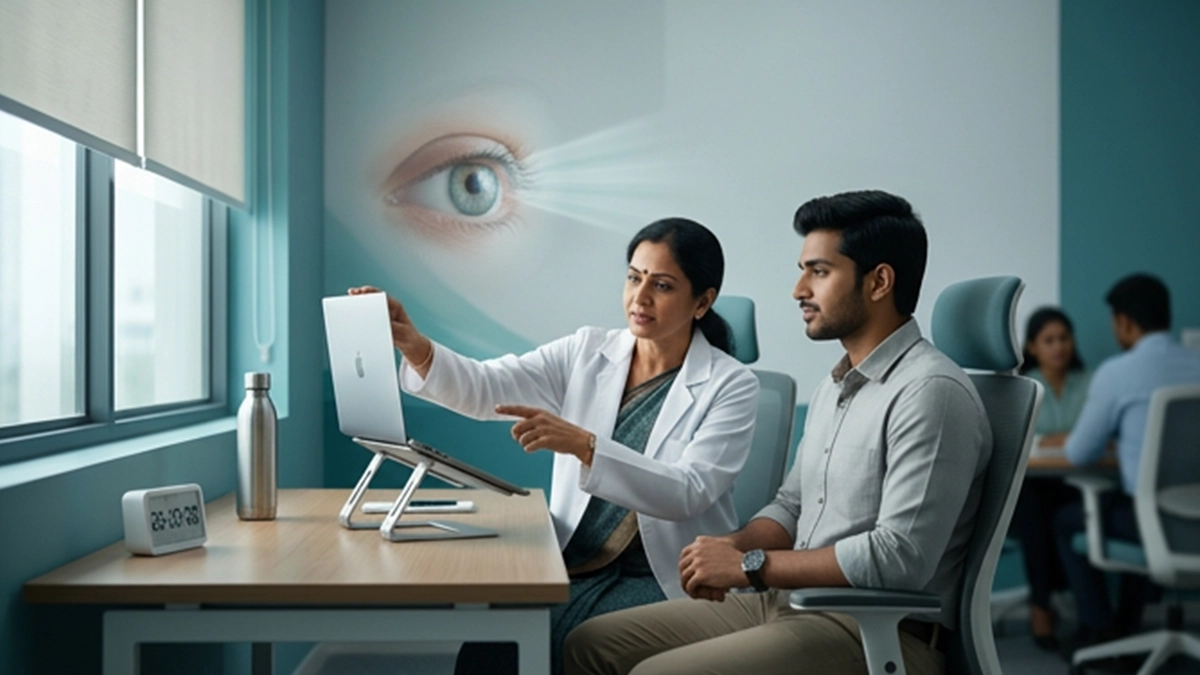
A right set up of your workspace for your laptop will avoid issues like tired eyes, headaches, dryness, and blurred vision which present themselves during long work sessions. For good laptop screen eye care try a proper viewing distance which also includes adjusting the laptop brightness to a comfortable level, using readable text sizes, and breaking up your work with regular breaks. Good eye care is in the details.
Set Up the Screen and Chair
A few changes can turn laptop screen eye care into a daily habit. For effective laptop use which is also easy on the eyes, place the display at a distance of arm’s length which is about 50-70 cm. Also set the top of the screen at or a little below eye level and sit with your shoulders relaxed.
A good screen distance allows you to read without strain or bringing your head forward. If text appears small, try increasing the font size or use the zoom feature instead of moving in closer; do not change the main screen distance.Place your display in front of you. For long work sessions a set up separate from the keyboard and mouse is recommended to improve postural comfort.
Adjust Laptop Brightness and Lighting
Set your laptop brightness based on what the room’s lighting is like. If the display is what is putting out the most light in a dark room, dim it back down or turn on more lights. If in a bright room the display is hard to see, turn up the brightness until the text is readable. Also try to adjust the screen’s angle to reduce glare.
| Setup factor | Practical adjustment | Benefit |
| Screen position | About 50–70 cm away, at a comfortable height | Helps reduce leaning and neck tension |
| Laptop brightness | Match the screen to the room | Helps limit glare and discomfort |
| Text size | Increase font size or zoom | Makes reading easier |
| Room lighting | Reduce reflections and harsh contrast | Improves visual comfort |
Take Breaks and Blink Often
Breaks are a key element of laptop screen eye care while doing extensive tasks. they see that extended time in close work causes computer eye strain. Also it is found that breaks do in fact reduce computer eye strain. Symptoms may include dry or burning eyes, headaches, blurred vision, and difficulty in refocusing. Also note that people blink less while using screens which in turn makes the eye surface dry.
Try the 20-20-20 approach: Every 20 minutes check out what is about 20 feet away for at least 20 seconds. As for daily laptop screen eye care also include a full blink and to step away for a break before discomfort sets in. Also these practices support screen time eye care. Also avoid aiming a fan or air conditioning unit directly at the eyes.
| Symptom | Possible contributor | Helpful response |
| Dry, gritty eyes | Reduced blinking or dry air | Blink often and avoid direct airflow |
| Headache or blurred text | Glare, long focusing, or an outdated prescription | Adjust the setup and seek an eye check if it persists |
| Neck discomfort | Screen too low or too close | Raise the display and use a separate keyboard |
| Trouble refocusing | Prolonged close work | Look into the distance and take a break |
Other Habits That Support Eye Comfort
A good design for the workspace is just one aspect of laptop screen eye care. which sees that mobile effect on eyes to be temporary dryness, tiredness, or focus fatigue which present after extended use. These symptoms include any digital device.
After your refractive surgery follow the doctor’s advice regarding computer use post lashik.
Older people should have regular eye exams; for glaucoma prevention in seniors is through screening and obtaining clinical advice. Screen setting changes alone do not prevent glaucoma.
When Should an Eye Examination Be Considered?
Repetitive computer eye strain also is related to dry eyes, an out of date glasses prescription, or difficulty focusing. What they term Computer Vision Syndrome is a group of symptoms from screen use which in fact do not point to one specific eye disease.
If you are still having issues like dry eyes, discomfort, headaches, or blurred vision after you have adopted better habits, see an eye care professional. If you have sudden vision loss, sharp eye pain or any other change in your vision go get checked out right away.
Eye Care at Vasan Eye Care
Vasan Eye Care presents to you our range of services for that which you have been suffering visually, which includes vision tests and eye surface exams as needed. Vasan Eye Care also presents these services which support what this may term as laptop screen eye care care. Good practices which put forth comfort, and an exam which in turn may identify issues which will require more specific care.
Conclusion
Small changes to your workspace will see an improvement in your laptop’s performance. Try out different distances for the screen, adjust the brightness, play with font size, reduce reflections and also do not forget to take breaks. Into your work routine integrate good daily laptop screen eye care habits which makes it easy. If symptoms persist, get in to see an eye exam at Vasan Eye Care or with a professional eye health care provider.
Frequently Asked Questions
1. What is the best distance between the eyes and a laptop screen?
Around at 4 which is in the range of 50 70 cm this is a good setting for many people in terms of text readability. Also change out the display for one that fits your posture, maintain a large enough screen distance, which also include enlarging the text rather than sitting close
2. Should laptop brightness always be low?
No. Laptop brightness must fit the room level of light. Try to adjust until your text is clear and you do not have any glare.
3. Can laptop use permanently damage the eyes?
In recent years we have noticed that computers cause issues such as eye strain, dry eyes, or tiredness. While these may not be permanent health issues they are still worth looking into if they persist.
4. Do blue-light filters prevent eye strain?
A higher temperature is more pleasant at night time, which is great, but it does not take the place of breaks, good lighting, or the right prescription.
References
- American Academy of Ophthalmology — Computers, Digital Devices, and Eye Strain
https://www.aao.org/eye-health/tips-prevention/computer-usage - National Eye Institute — Healthy Vision Tips
https://www.nei.nih.gov/eye-health-information/healthy-vision/nei-for-kids/healthy-vision-tips