
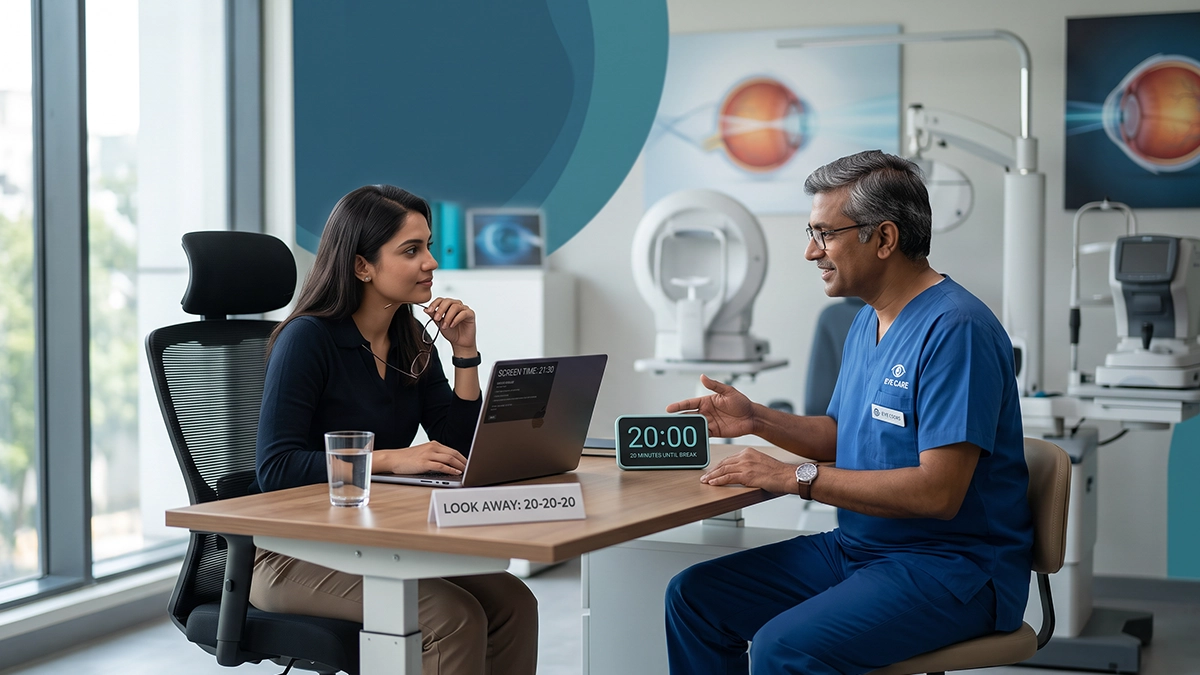
Most of us spend all day on our laptops, phones or TVs. They are in front of a screen for office work, online classes, video calls and late into the night. By the end of the day many of our eyes are tired, dry or burning. The good news is that it can change that with a simple screen time break rule. In this post vasan eye care will also tell you how long you should be looking at a screen before you take a break, what causes eye fatigue and also present to you easy tips that will help to protect your vision whether at home, at work or at school.
Why Do Screens Make Your Eyes Tired?
When you look at nearby objects, the tiny muscles in your eye go to work to keep the focus. With a screen they are in that state for a long time without break. Also you blink a great deal less while looking at a screen which in turn causes your tear layer to dry out faster.
Eye doctors call this problem digital eye strain. It is also known as computer vision syndrome. Research suggests it is very common. One large review estimated that 50% or more of computer users have symptoms. A 2023 analysis put the figure at around 69%.
Common Signs and What They Mean
The symptoms fall into two main groups. Some come from tired focusing muscles. Others come from dry eyes.
Common symptoms of screen-related eye strain
| Symptom | What it usually means |
| Tired, heavy or aching eyes | Focusing muscles have worked too long without rest |
| Headache, especially around the forehead | Strain from long close-up work |
| Blurred vision after screen use | Eyes are slow to switch focus from near to far |
| Burning, gritty or watery eyes | Less blinking has dried out the eye surface |
| Sensitivity to bright light | Tired or dry eyes reacting to glare |
| Neck and shoulder pain | Poor sitting posture or screen position |
For most people, digital eye strain symptoms are temporary and settle after rest. But if they happen every day, your eyes are asking for better care.
The screen time break rule Every Screen User Should Know
The most popular screen time break rule is the 20-20-20 rule. It is easy to remember:
- Every 20 minutes of screen time,
- look at something 20 feet (about 6 metres) away,
- for at least 20 seconds.
Looking far away lets your focusing muscles relax. It also reminds you to blink. You can read more in the 20 minute rule explained.
Does It Really Work?
Yes, for many people it helps. In a 2023 study, office computer users got reminders to follow the 20-20-20 rule for two weeks. Their eye strain and dry eye symptoms went down. But one week after the reminders stopped, the benefit faded. This shows that the screen time break rule works best when it becomes a daily habit, not a one-time effort.
How Often Should You Take a Break?
The right screen break frequency which is right for you will depend on how much you are working at a stretch. It is better to have short and frequent breaks as opposed to one long break at the end of the day which is great for reducing digital eye strain. Also many eye care professionals recommend a break of about 15 minutes after you have been at it for 2 hours of continuous screen work.
Here is a simple guide to screen break frequency for a normal work or study day.
A simple screen break plan
| Type of break | How often | How long | What to do |
| Eye break | Every 20 minutes | 20 seconds | Follow the 20-20-20 rule and look out of a window |
| Blink break | Every few minutes | A few seconds | Blink slowly and fully 5–10 times |
| Short rest | Every hour | 2–5 minutes | Stand up, stretch, drink water |
| Long rest | Every 2 hours | About 15 minutes | Step away from all screens |
Following this screen time break rule plan does not cut your work time much. It simply spreads small rests through the day. Children doing online classes also need the same screen break frequency, so parents can help them follow it.
Simple Habits for computer eye strain prevention
Breaks are important, but they work best with a good setup. Good computer eye strain prevention starts with small changes that ease the strain.
Set Up Your Screen Correctly
- Keep the screen at arm’s distance (about 20–28 inches).
- Put the top of the screen at eye level or slightly below.
- Adjust screen brightness to that of the room and minimize glare from windows.
- Increase text size so you do not have to squint.
Look After Your Eye Surface
- Blink frequently which is also when you are reading or typing.
- Stay away from sitting right in front of an AC or fan that is blowing at your face.
- Drink plenty of water through the day.
If your eyes often feel dry, gritty or red, you may have dry eye from screen work. Lubricating eye drops can help, but use them only as advised by an eye doctor.
Use the Right Glasses
An old or missing glasses number makes your eyes work harder. A regular eye test is a key part of computer eye strain prevention. Some people may also need special glasses for computer distance. Even the best screen time break rule cannot fix an uncorrected power.
When Should You See an Eye Doctor?
Simple steps for computer eye strain prevention help most people. But please visit an eye doctor if:
- Eye pain or headaches do not go away after rest
- Your vision stays blurred even after a break
- You see double, or your eyes stay red and watery
- Your child rubs their eyes often or sits very close to the screen
These signs may point to a power change, dry eye disease or another eye problem that needs proper treatment.
Conclusion
Screens are present in our day to day lives, also they do not have to experience eye discomfort. Try the 20-20-20 rule out, maintain a steady break routine for screen time, and set up your workspace properly. These small changes may relieve digital eye strain and keep your eyes at ease. Get the screen time break rule to be a habit for the whole family.
If you are still dealing with issues of tired, dry or blurry eyes can determine the cause. At your nearest Vasan Eye Care centre they have eye specialists that will do a full exam of your eyes and present a care plan which caters to your needs.
Frequently Asked Questions
1. What is the best way to approach screen breaks?
A well known screen time break rule is the 20-20-20 rule which has you take a break every 20 minutes to look at something 20 feet away for 20 seconds. Also it is good to take a longer break every two hours.
2. Can screen strain leave permanent damage to my eyes?
What research has found is that digital eye strain usually results in temporary discomfort and not permanent damage. That said, if you are experiencing frequent symptoms then you should get in to see an eye care professional.
3. Do children require breaks from screens?
Yes. Children often forget to blink and rest. Parents should set the same screen break frequency and encourage outdoor play.
4. Is it just taking breaks?
No. For good computer eye strain prevention also requires good lighting, proper screen placement, frequent blinking and the right glasses.
References
- The effects of breaks on eye strain, dry eye and binocular vision (2023) – PubMed, National Library of Medicine, NIH
https://pubmed.ncbi.nlm.nih.gov/35963776/ - Sheppard & Wolffsohn: Prevalence, measurement and amelioration of screen-related eye strain (2018) – PMC, National Library of Medicine, NIH
https://pmc.ncbi.nlm.nih.gov/articles/PMC6020759/ - Computer vision syndrome: a comprehensive literature review (2025) – PMC, National Library of Medicine, NIH
https://pmc.ncbi.nlm.nih.gov/articles/PMC11901492/ - National Eye Institute – National Institutes of Health
https://www.nei.nih.gov/